


Using the Insurance Workspace
Use a saved insurance scenario to review current cover, supporting evidence, needs and recommendations, then link the scenario to the SOA where insurance advice is included.

Add and review a manual portfolio
Record an off-platform account and its holdings, then check account totals and asset allocation.

Set up a portfolio datafeed mapping
Save the adviser code, map the correct platform account and review its sync result.
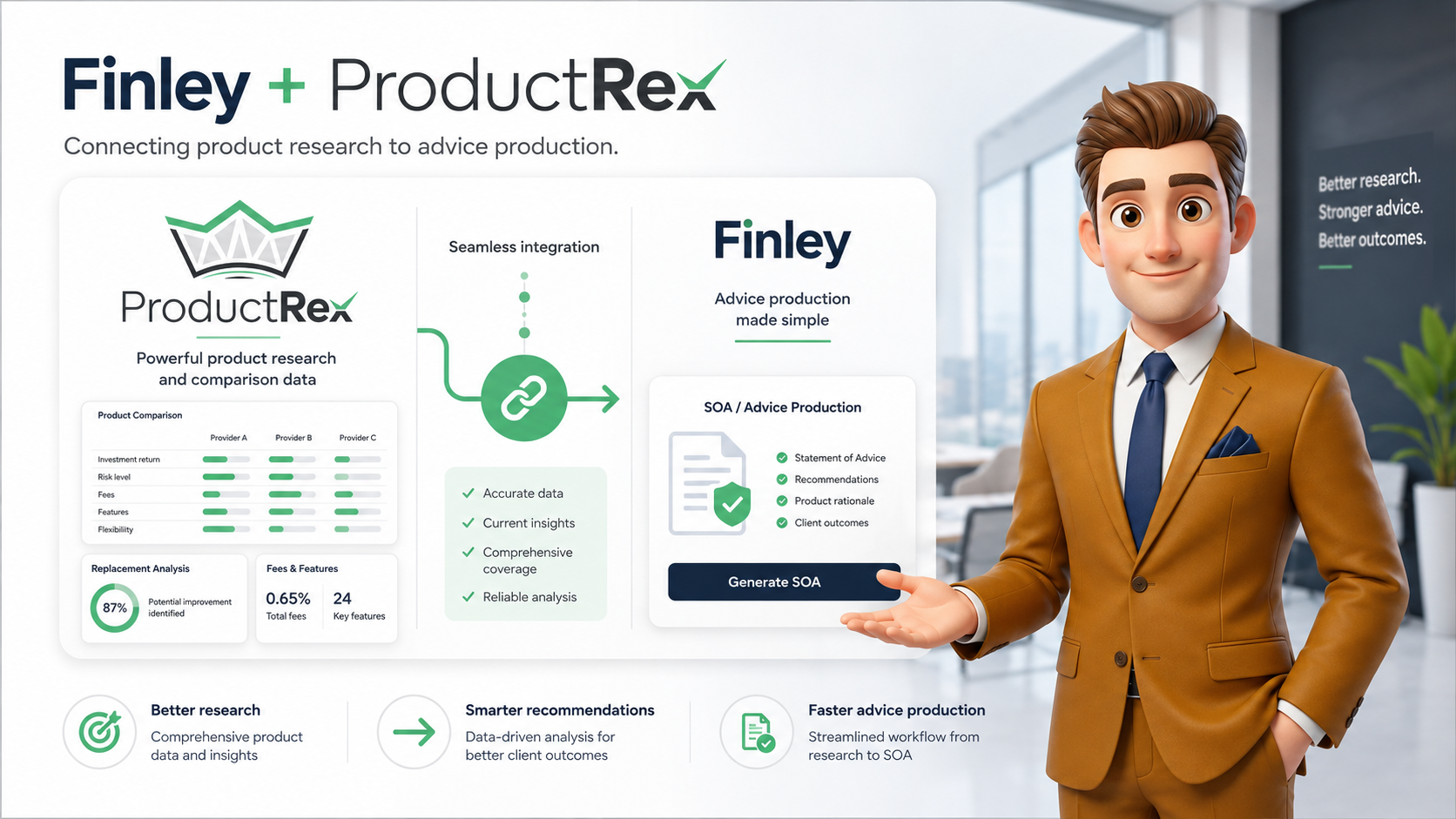
Connecting ProductRex and using research in Finley
Connect ProductRex, select and review research in Finley Chat or an SOA, and check scenario ownership, fees and the adviser’s intended recommendation.

Using the Projections Workspace
Create a current-position model, copy it to explore a proposed scenario and save the scenario you want to use as supporting evidence in an SOA.

Preparing an SOA in the Finley SOA Workspace
Create an SOA scenario, select the relevant evidence and specialist research, review the brief, then check and export the draft document.