

Preparing a Record of Advice and template documents
Use a client conversation to prepare a Record of Advice, or open a related engagement or agreement workflow. Review the document and use the save and Word controls available in your workspace.

Preparing a follow-up email
Prepare an editable email from the client conversation, check the recipients and wording, then copy it or open it in your email application for final review and sending.

Drafting a file note or advice scope
Turn a reviewed conversation into a file note or a clear advice-scope draft. Review the content and choose the correct save action for a document copy or a client file-note record.

Working with documents and source evidence
Upload client evidence, choose what Finley can use in a conversation, check passage references and find saved output. The document library belongs to the selected client.
Using the Finley AI Console
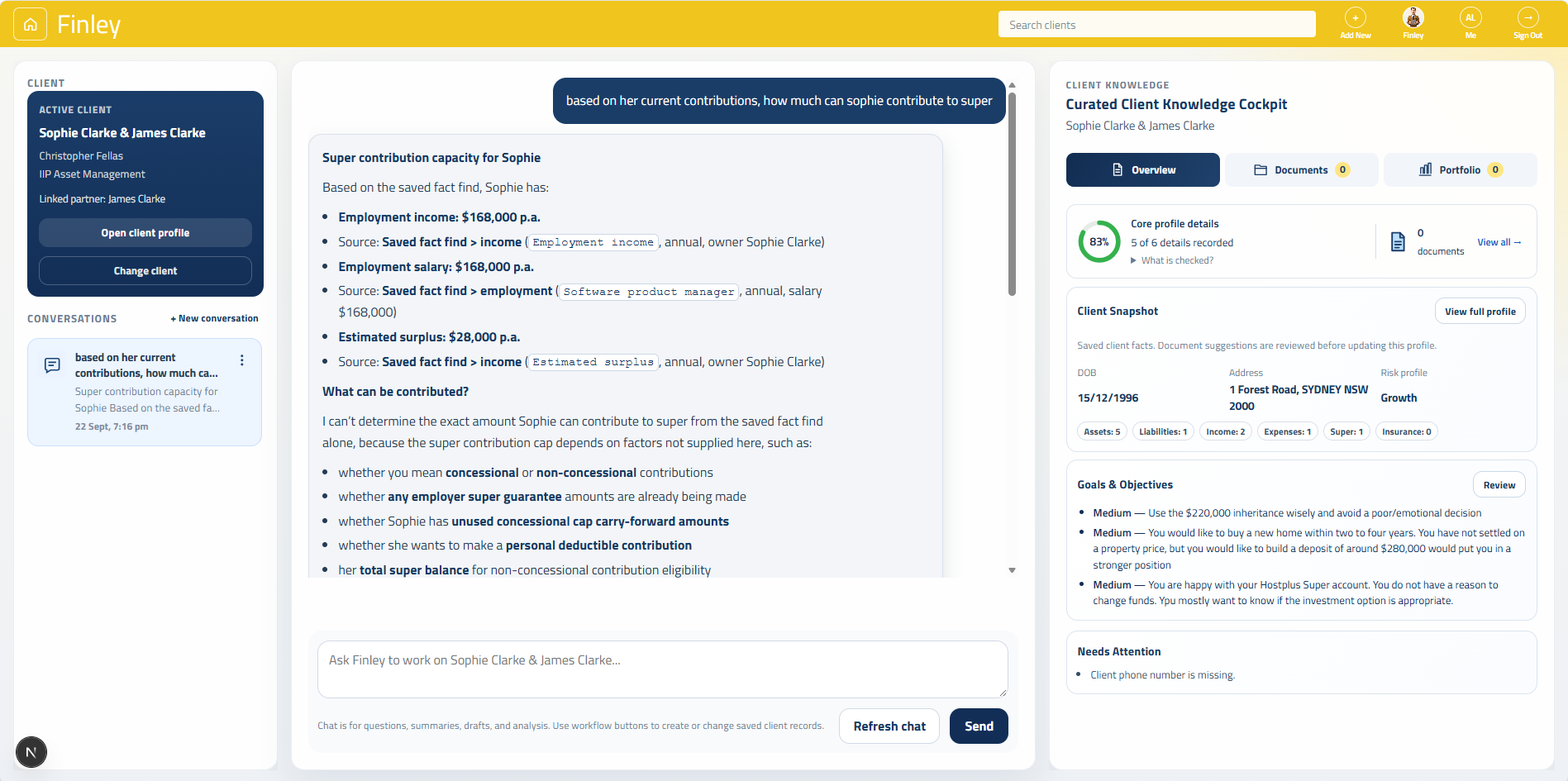
Choose a client, use Finley Chat to understand their information, and switch to Finley Work to prepare a written output. Keep the conversation, evidence and saved records clear as you work.
Getting better results from Finley
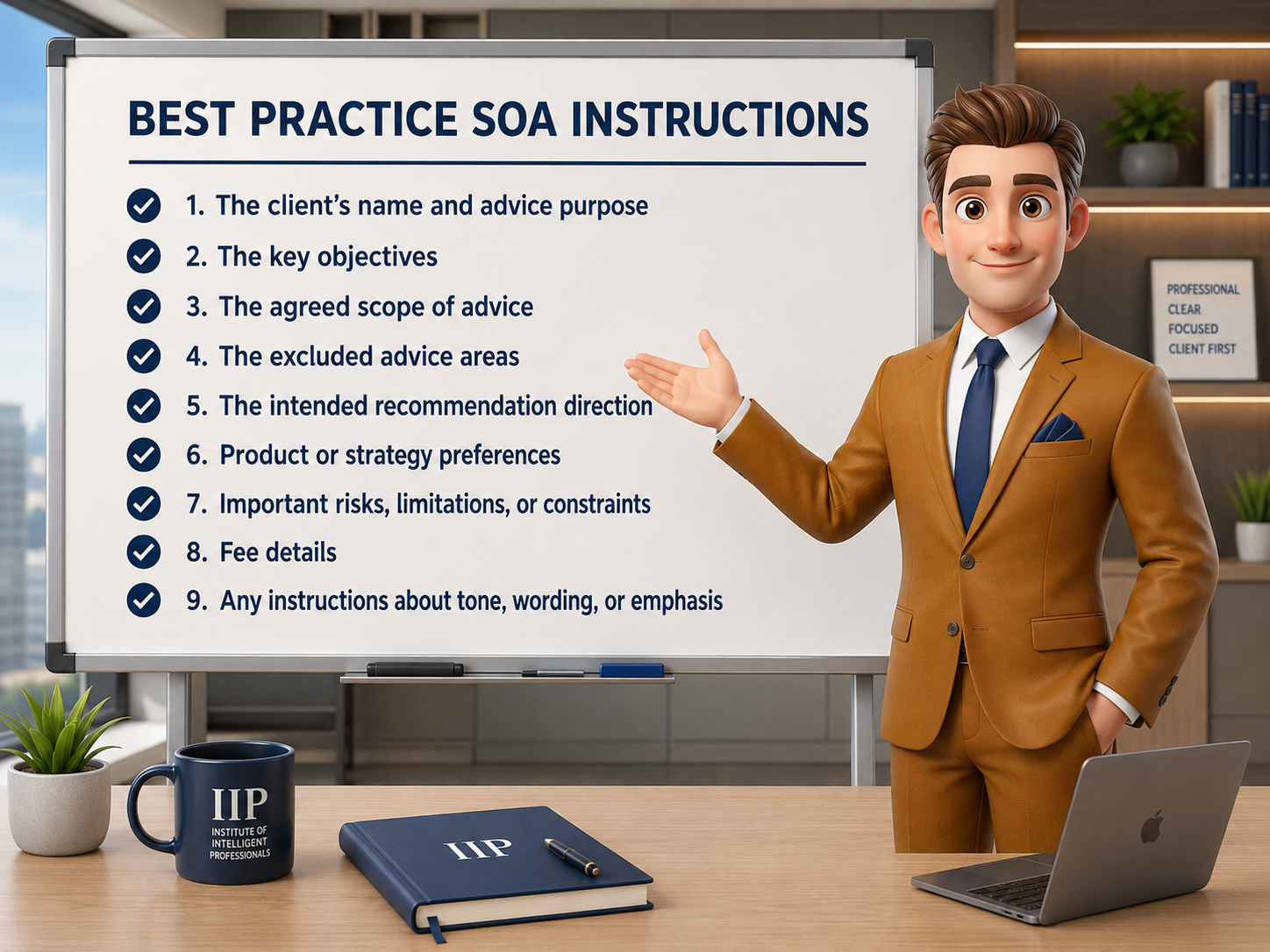
A useful Finley draft starts with relevant evidence and clear adviser instructions. This guide helps you brief Finley, check its understanding and keep unresolved matters visible.