

Resetting Your Two Factor Authentication (2FA)
Have you lost your authentication device or you can no longer complete 2FA to access Finley?
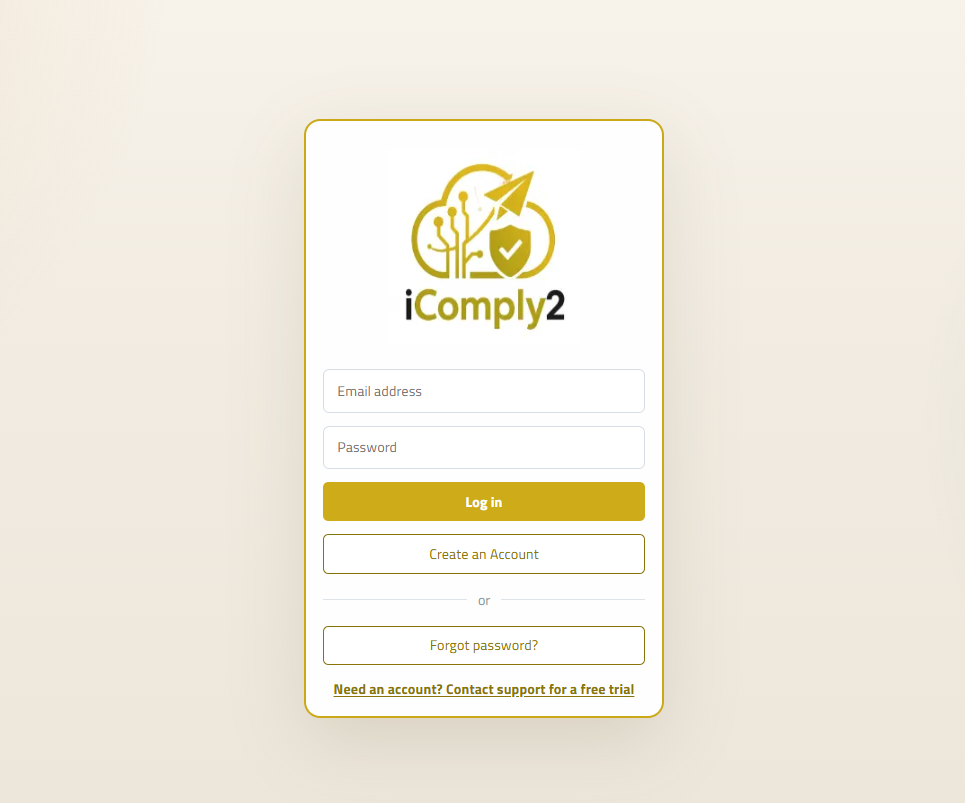
Login using your usual email address and password
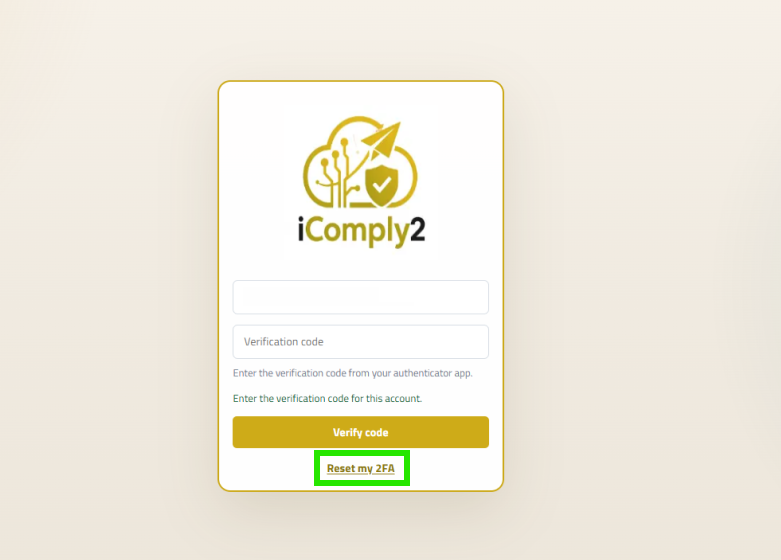
Click ‘Reset my 2FA’
The support team will receive a notification to reset your 2FA.
We may contact you to confirm the request before approving
You will receive a confirmation email that your 2FA reset request has been approved (or denied).
Resetting Your 2FA
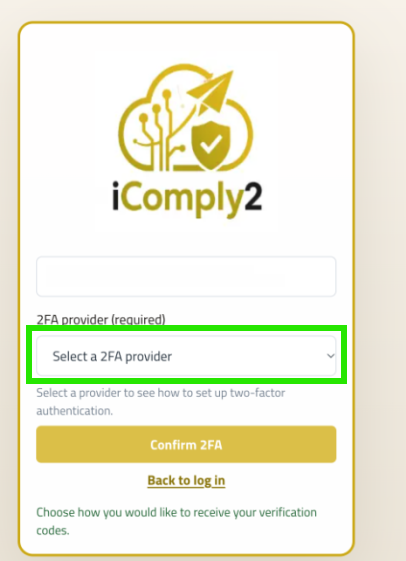
Once you have received your confirmation email, log back into Finley.
You will be prompted to choose your 2FA provider. You can choose to use email or an authentication app.
Click ‘Confirm 2FA’
Email Authentication
If you chose email authentication email, you will receive an authentication code in your inbox. Use the new code to authenticate to Finley.
Authentication App
Scan the QR code to generate a new authentication code. You can then use the new code to authenticate to Finley.
Still experiencing issues?
If you are still experiencing issues you can raise a support request